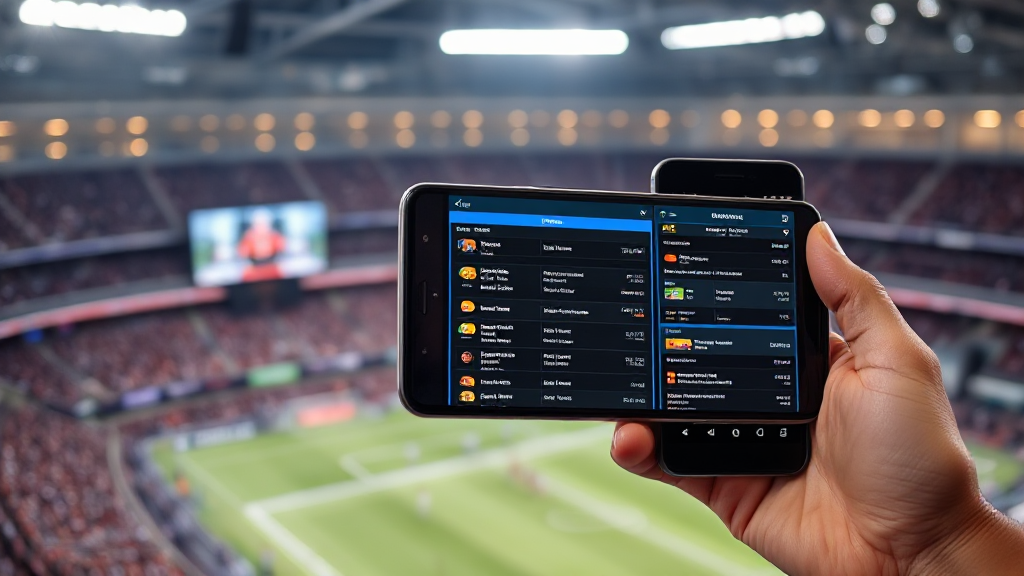
7 AA GAME Online Mistakes That Break Android Sideloads
The most common mistake people make with AA GAME Online is treating every listing on the page as if it were the same file. It is not. A catalog entry shows a title, a package name, a version number and a size, and those four details have to match what is already sitting on your phone before anything installs cleanly. I handle these support tickets all day, and almost every failure traces back to one of seven habits. Here they are in the order I usually walk people through them.
1. Skipping the Package Name Check
Every Android app has a unique package identifier, something like a reversed domain string. Two entries can share the same display name and still be completely different packages. If you install the wrong one, you end up with two icons, two data folders, and no way to move your progress between them.
Open the listing details before you tap anything. Read the package name. Then compare it to the package name of the app already installed on your device, which you can find in your phone’s application settings. If they differ, you are not updating, you are installing something new.
2. Ignoring the Version Number and Build Date
Version numbers look boring until they cost you an hour. Android will refuse to install a package whose version code is lower than the one already on the device. It will also refuse if the signature does not match.
So the sequence matters. Note your current version first. Then look at what the catalog entry offers. If the listed version is older, you are downgrading, and that usually requires a full uninstall, which wipes local save data. If the listed version is newer, you are fine, provided the signature matches.
3. Misreading File Size Against Free Storage
This is the one that surprises people most. The download size is not the install size. A package that reports a few hundred megabytes in the listing can expand considerably once the installer unpacks it, especially if the game pulls additional assets on first launch.
As a rough working rule, keep at least double the listed size free before you begin. On budget phones with 32GB or 64GB of internal storage, that margin disappears fast. Clear cached media, move photos to a card, and check again before downloading rather than after a failed install.
4. Trusting a Source Note You Did Not Read
Catalog sites differ in how much they tell you about where an entry came from. Some entries carry a short source note; others carry none. That note is not decoration. It tells you how the package was obtained and whether the listing is a mirror, a re-upload, or something closer to the original distribution.
Read it. If a note is vague or missing entirely, treat that as a signal rather than an inconvenience. A well-maintained catalog will be consistent about this, and you can judge the whole site by whether its notes are specific or copy-pasted boilerplate.
5. Installing Without Checking the Permission List
Before you confirm an install, Android shows you what the app wants access to. Most people tap through this screen in under two seconds. That is a mistake.
A simple puzzle game has no business requesting your contacts, your SMS inbox, or background location. If it does, stop. Either the listing is not what it claims to be, or the package has been modified. Neither is worth the risk on a phone that also holds your banking apps.
6. Forgetting the 18+ Gate and Region Assumptions
Some catalogs include an age gate, and some entries are region-specific in ways that are not obvious from the title. If a listing sits behind an 18+ confirmation, that gate exists for a reason, and it is worth respecting rather than clicking past.
Region matters too. An entry built for one market may behave oddly on a device configured for another, particularly around language defaults and in-app purchase currency. Check the listing notes for any regional hint before you commit storage to it.
7. Never Comparing Two Entries Side by Side
The single biggest upgrade to your workflow is comparison. Instead of grabbing the first result, open two or three entries for the same title and line up their version, size and source notes. The differences are often revealing.
One entry might be several versions behind. Another might be a much larger download because it bundles assets the smaller one fetches later. A third might be the only one with a clear source note. Comparing takes two minutes and saves you a reinstall cycle. This is exactly the kind of browsing that a catalog built for comparison handles well, and it is the habit that separates people who sideload smoothly from people who keep opening support tickets.
Quick Pre-Install Checklist
Run through this before every install and most problems disappear:
- Package name matches what you intend to replace or add
- Version code is equal to or higher than your installed copy
- Free storage is at least double the listed download size
- Source note is present and specific
- Permission list makes sense for the genre
- Age gate and region notes have been read
- At least one alternative entry has been compared
None of these steps take long individually. Together they turn a gamble into a routine, and a routine is what keeps your device stable across dozens of installs.
Frequently Asked Questions
Why does the install fail even though I have enough space?
Usually a signature mismatch or a lower version code. Android blocks installs that conflict with an existing package. Uninstall the old copy first, but back up your save data, because uninstalling clears local storage.
Is the listed file size the same as what it will occupy on my phone?
No. The install footprint is typically larger, and games that download extra assets on first launch can grow well beyond the listed figure. Keep a generous buffer free.
What should I do if a listing has no source note at all?
Treat it as unverified. Look for an alternative entry with clearer documentation, and avoid granting unusual permissions to a package whose origin you cannot trace.
Can I keep two versions of the same game installed?
Only if the package names differ. Same package name means Android treats them as one app and will overwrite or reject the second install.
